Getting Started
In this guide, we will look at how to get setup in your Strata Admin portal.
Invitation
Upon signing of your contract, you will recieve an email from admin@strataintel.com with a link to register for your new account.
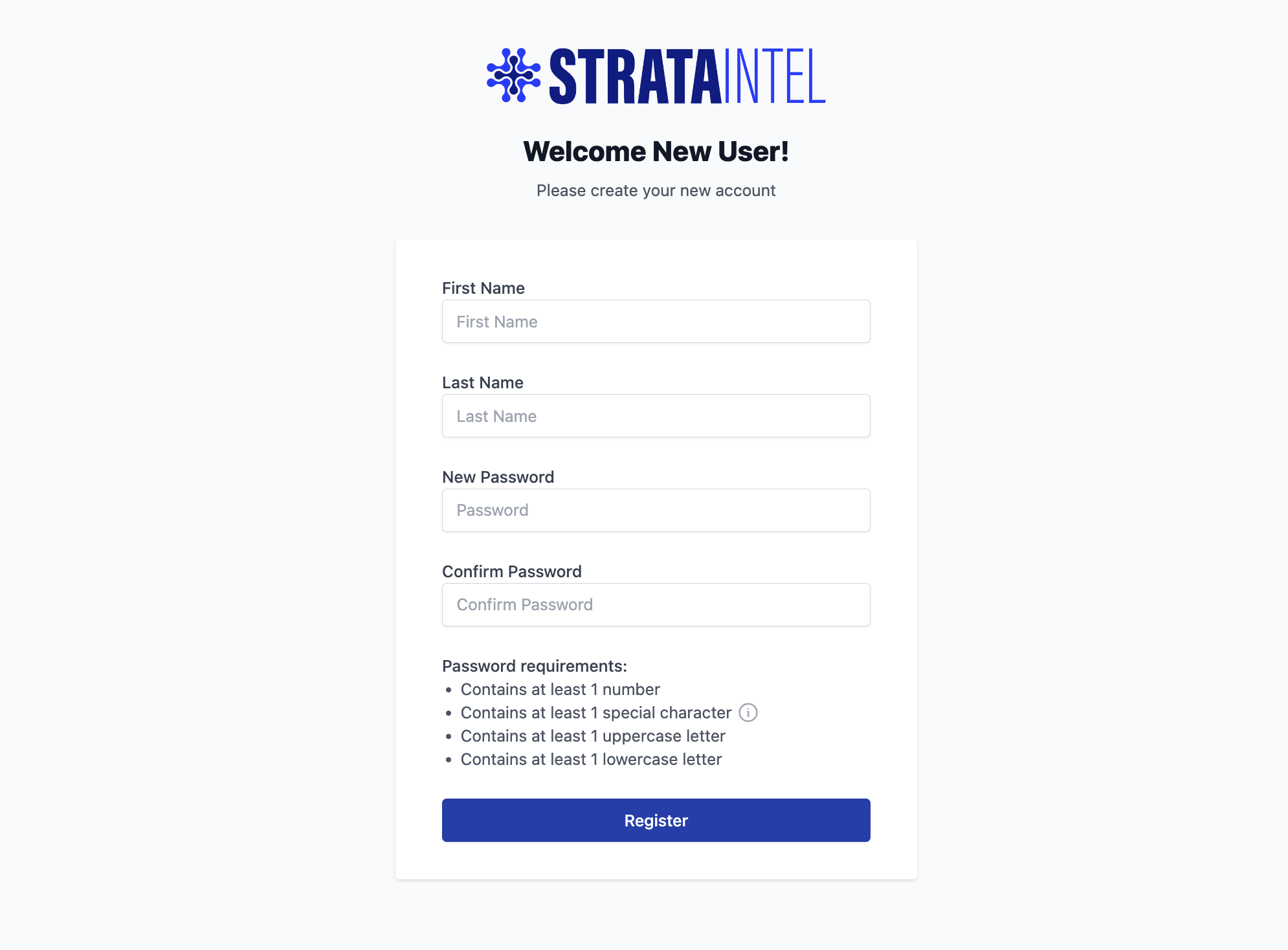
Setup
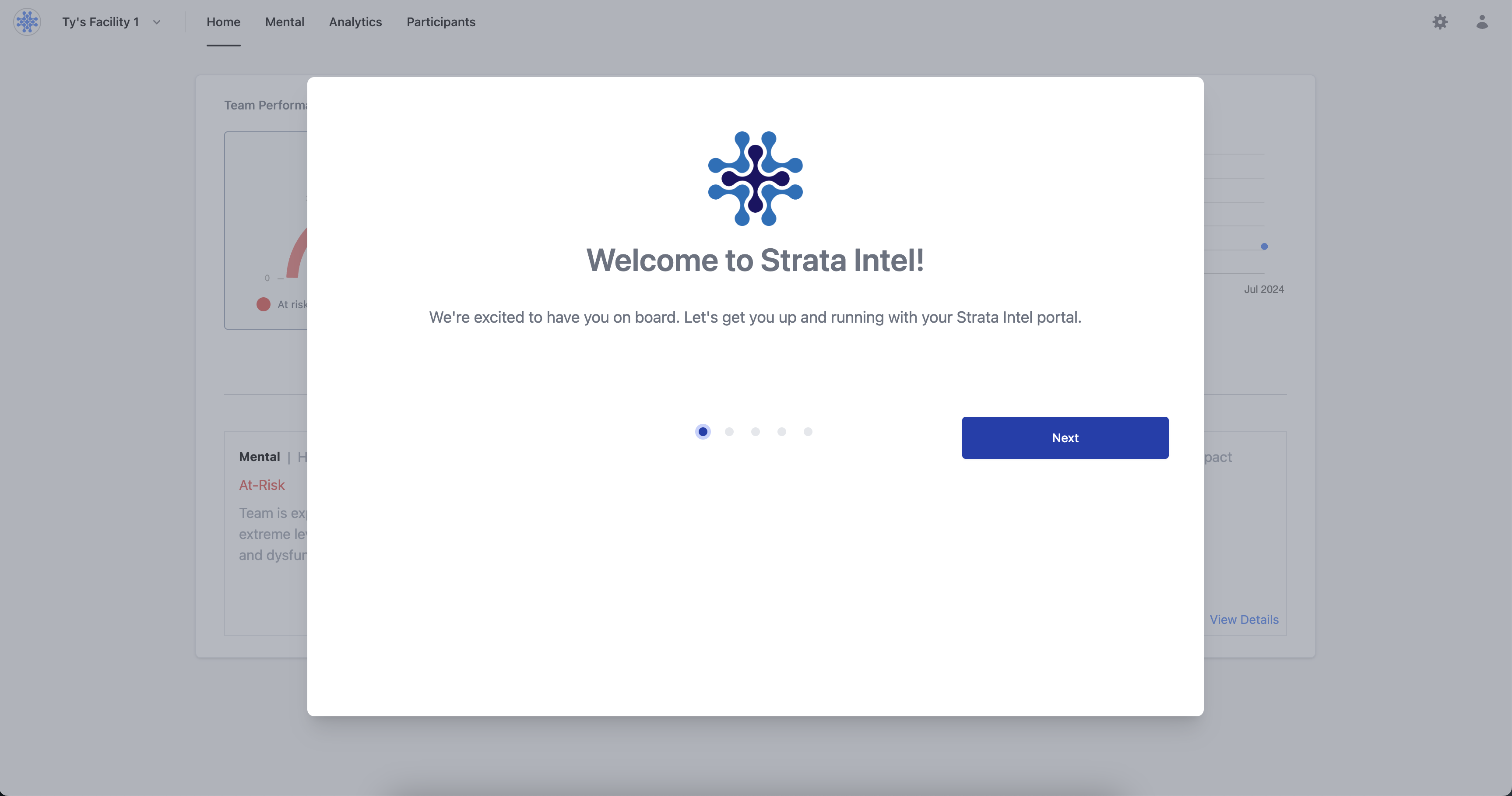
Once registered, you will be presented with a setup guide on the tasks needed to be completed before assessments can be sent out. These tasks include:
- Name
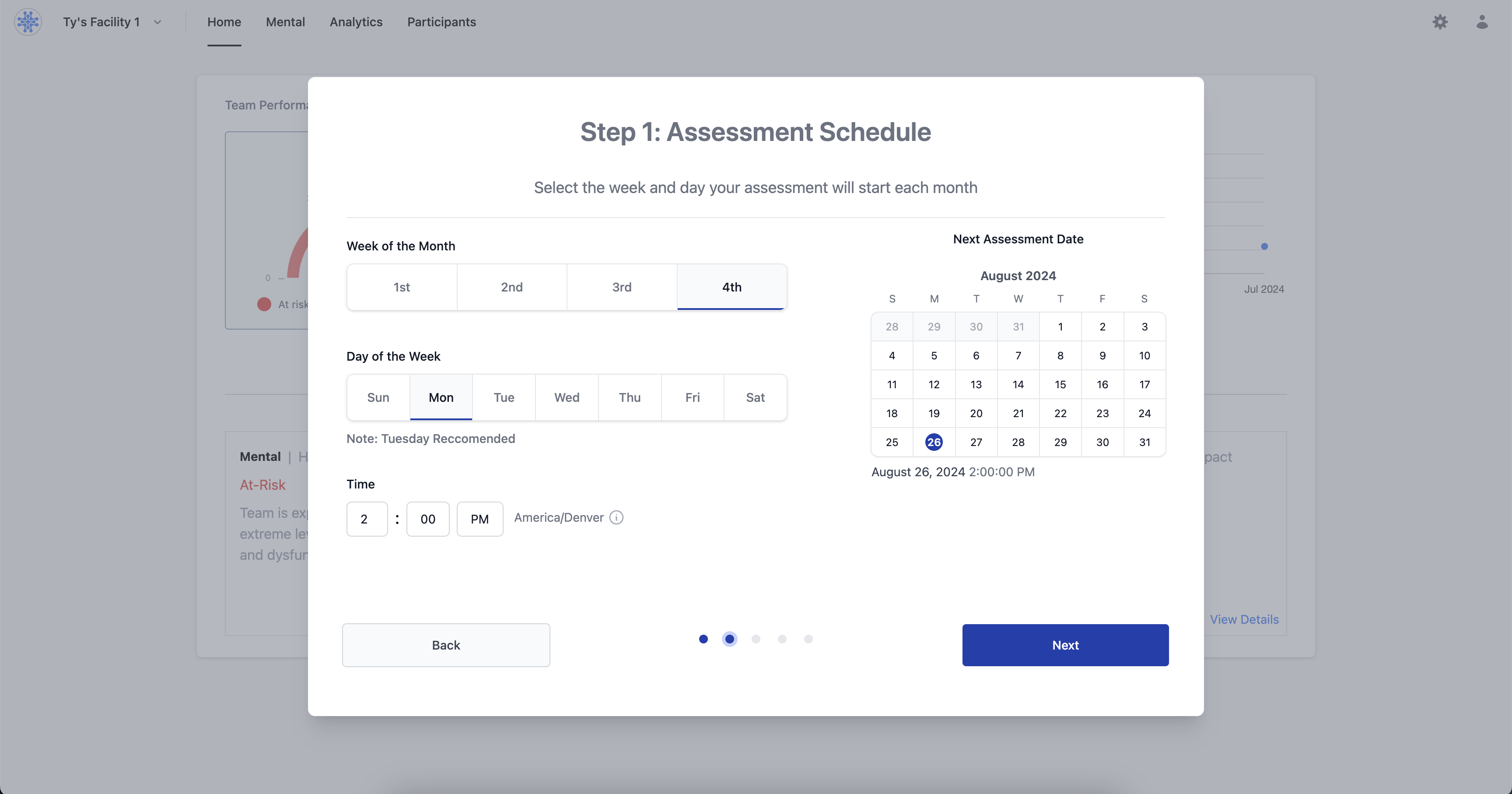
Assessment Schedule- Description
Set the week and day you would like assessments to be sent every month. (For example, 2nd Tuesday of every month)
- Name
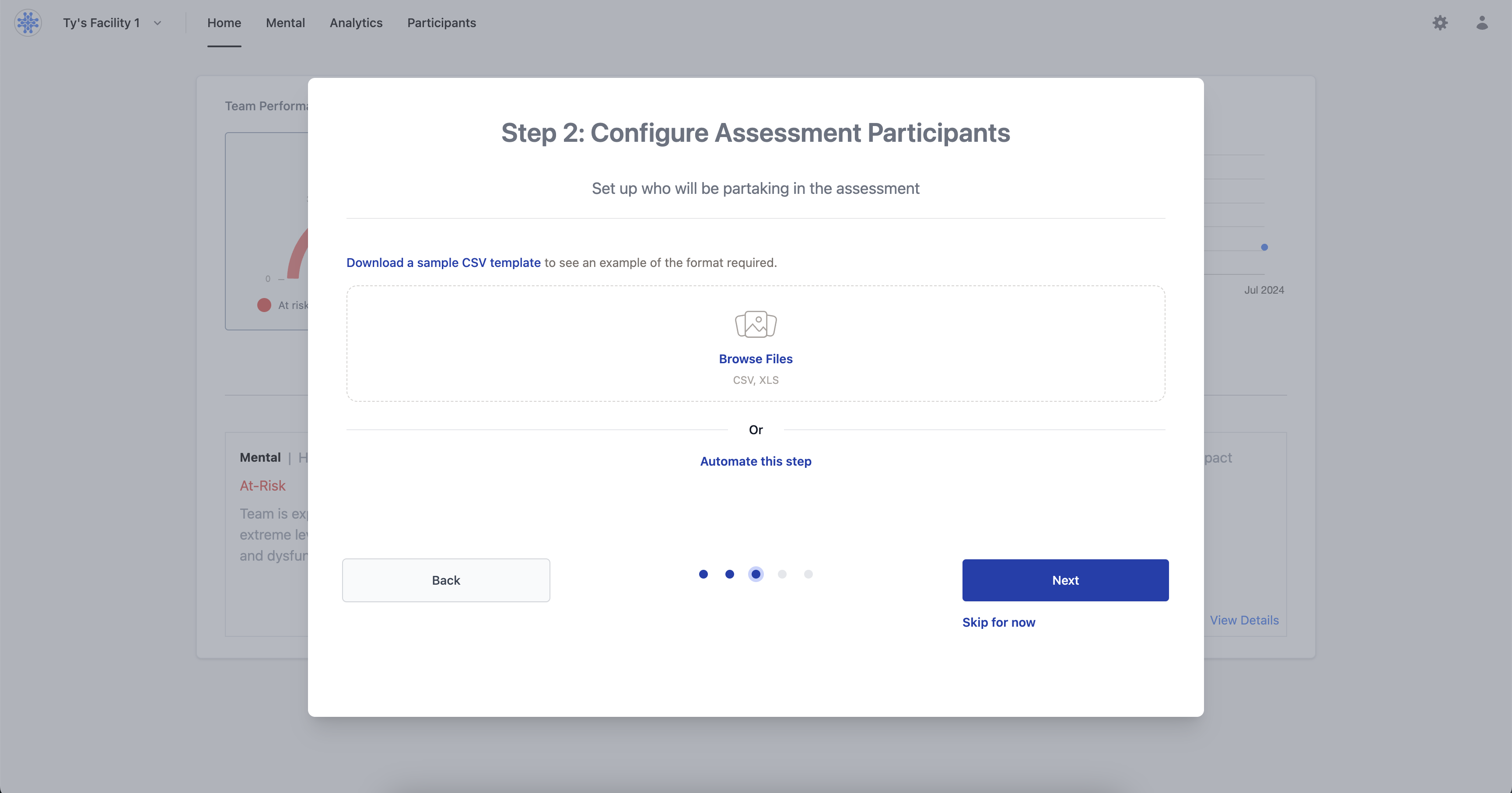
Add Participants- Description
Upload a CSV containing email, phone number, and job titles of the participants you would like to be included in the assessment (We recommend uploading all employees, including yourself as the leader).
- Name
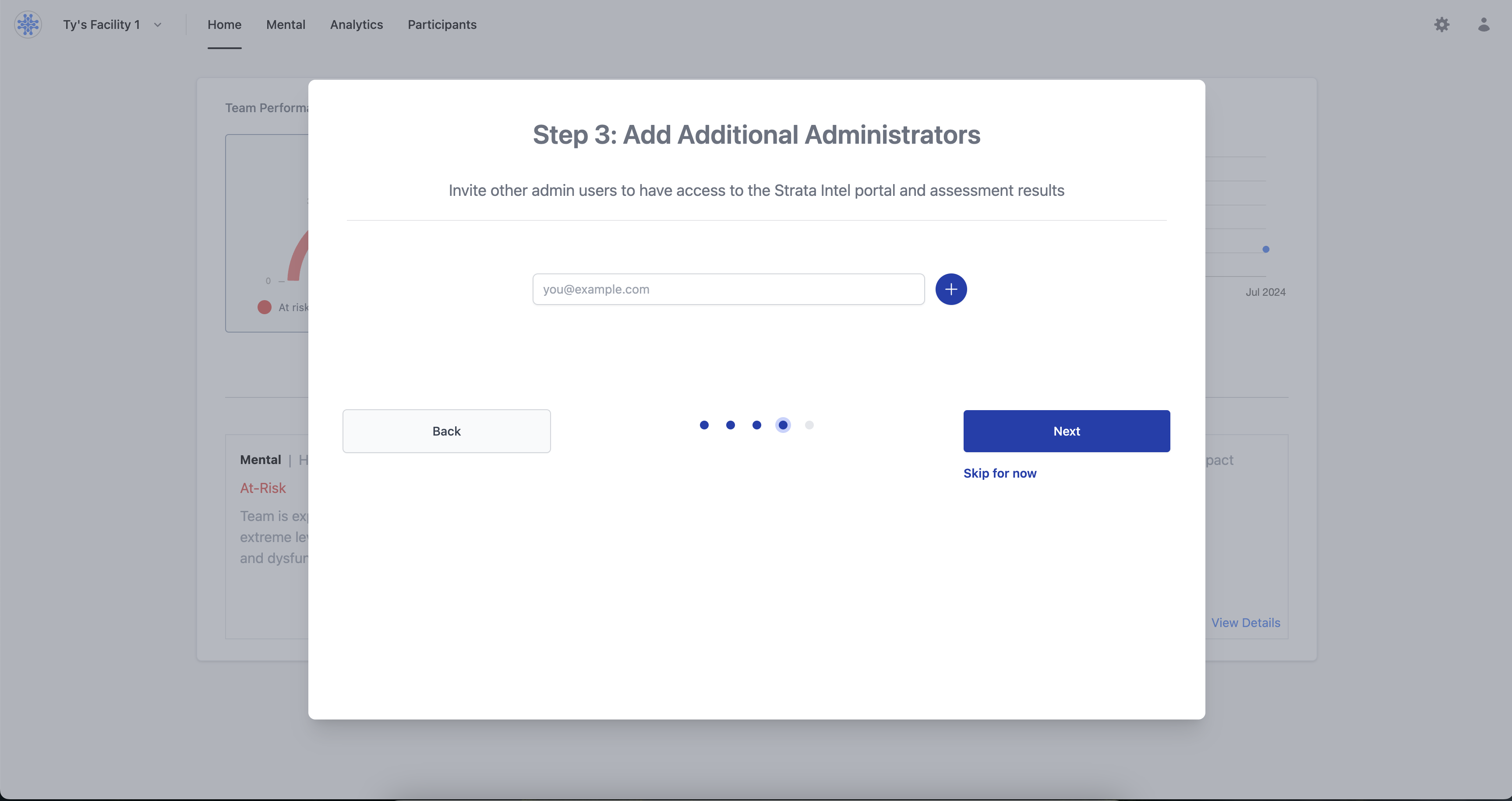
Add Additional Administrators- Description
Add the emails of any additional admin users you would like to have access to the Strata Admin portal. They will recieve an email to set up their access.
- Name
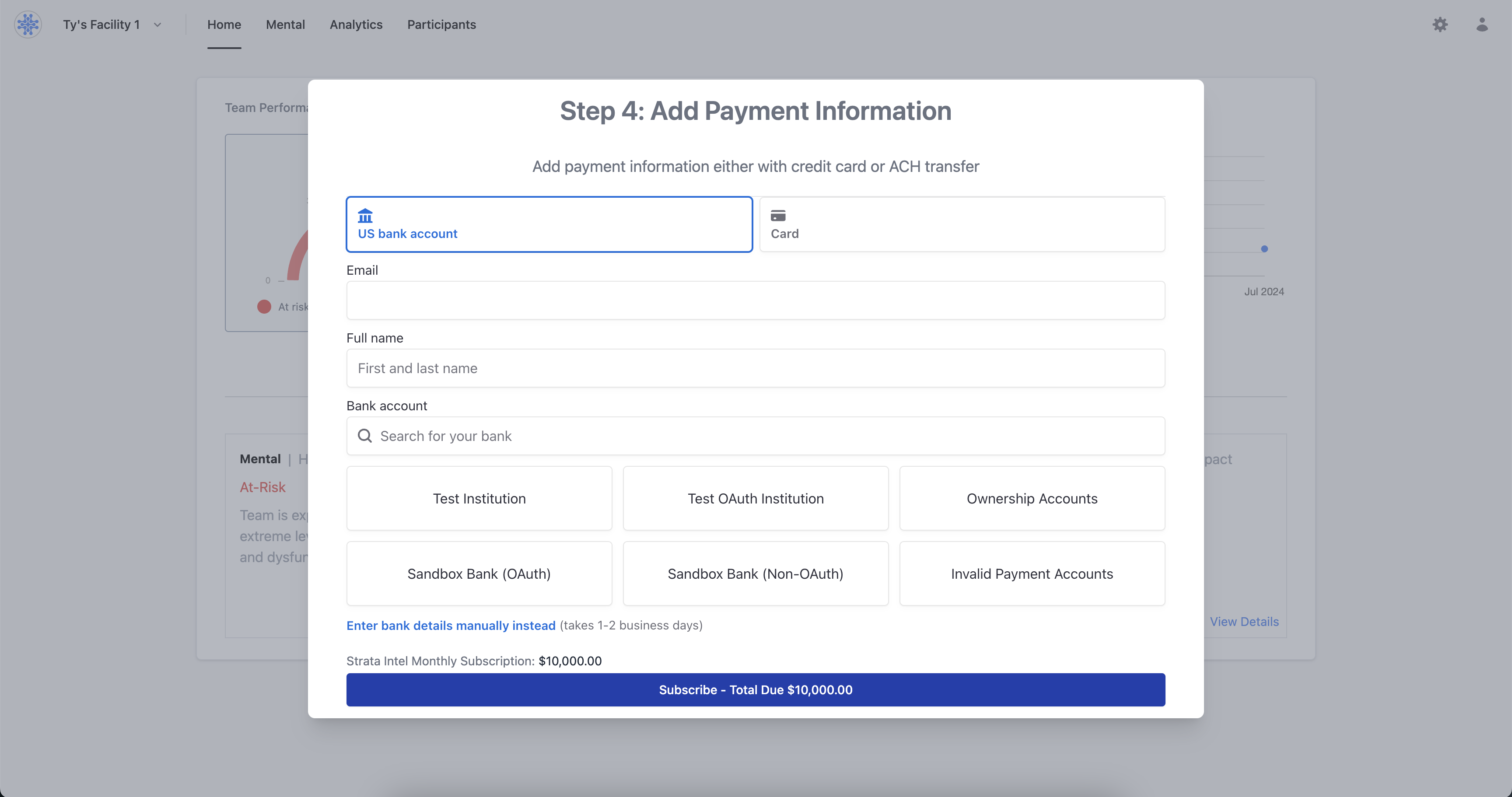
Add Payment Information- Description
Add your payment information either with a credit card or link your bank account. You will be charged upon submitting your information for the first month, and all future auto-payments will be set to the same day each month.